

We’re excited to introduce a major upgrade to your album workflow: QT Designer — a SmartAlbums-powered design and ordering system, now available FREE for all QT customers.
We cover the license cost, saving you nearly $400 every year.
Whether you shop in USD or EUR, you can now design your album and send it straight to production without ever leaving SmartAlbums/QT Designer. No exporting files, no re-uploading — just a faster, simpler workflow with fewer steps.
Note: SmartAlbums is a separate company and direct-to-lab orders will be within their checkout environment (NOT compatible with QT promo codes or programs).
To download the software, select your store and log in below.
Note: this is an optional workflow and one of many paths that are available to you for designing and ordering an album.
“Overall, the experience was great and significantly more convenient than
the previous method of exporting from SmartAlbums and then separately
ordering through the QT Albums website.
I particularly appreciated the improved visualisation of cover options and
a clearer indication of overall finishings, such as text embossing. It
truly made for a very seamless and much better user experience.
Congratulations to you and the team on this excellent update!
Thanks,
Dave
_________________________
David McClelland Photography ”
QT Designer is built on SmartAlbums technology, giving you the same intuitive, drag-and-drop design experience trusted by thousands of photographers worldwide.
What QT Designer Offers
Free access for all QT Albums customers (USD + EUR)
Seamless design + ordering of QT’s most popular album sizes and options
Quick workflow within a single environment
Accurate specs for worry-free design
Client-friendly previewing and proofing
The QT Designer does not allow you to export the designs in the way you might with the full paid version of SmartAlbums software; instead, it offers one continuous flow:
Design → Approve → Order → Print

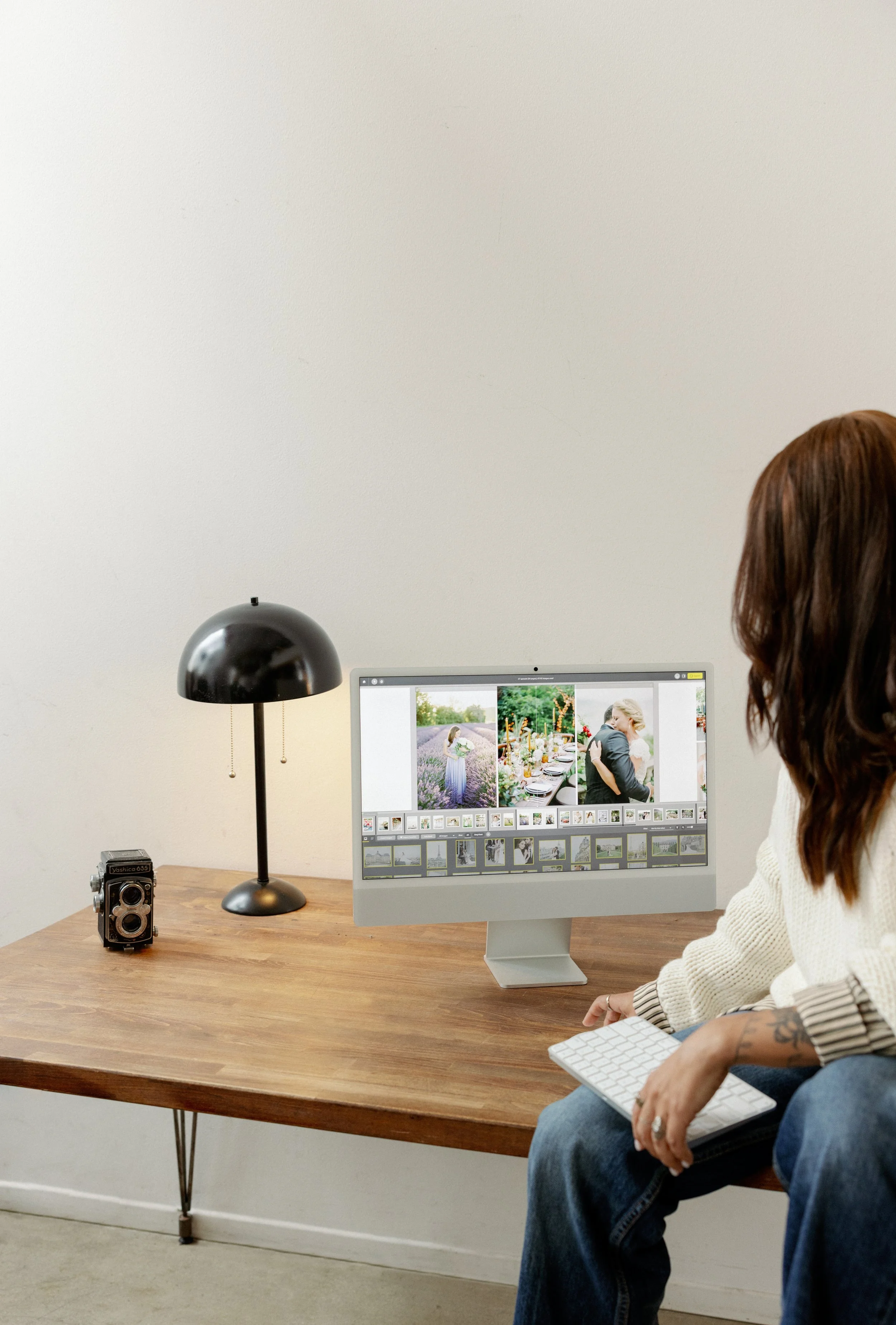



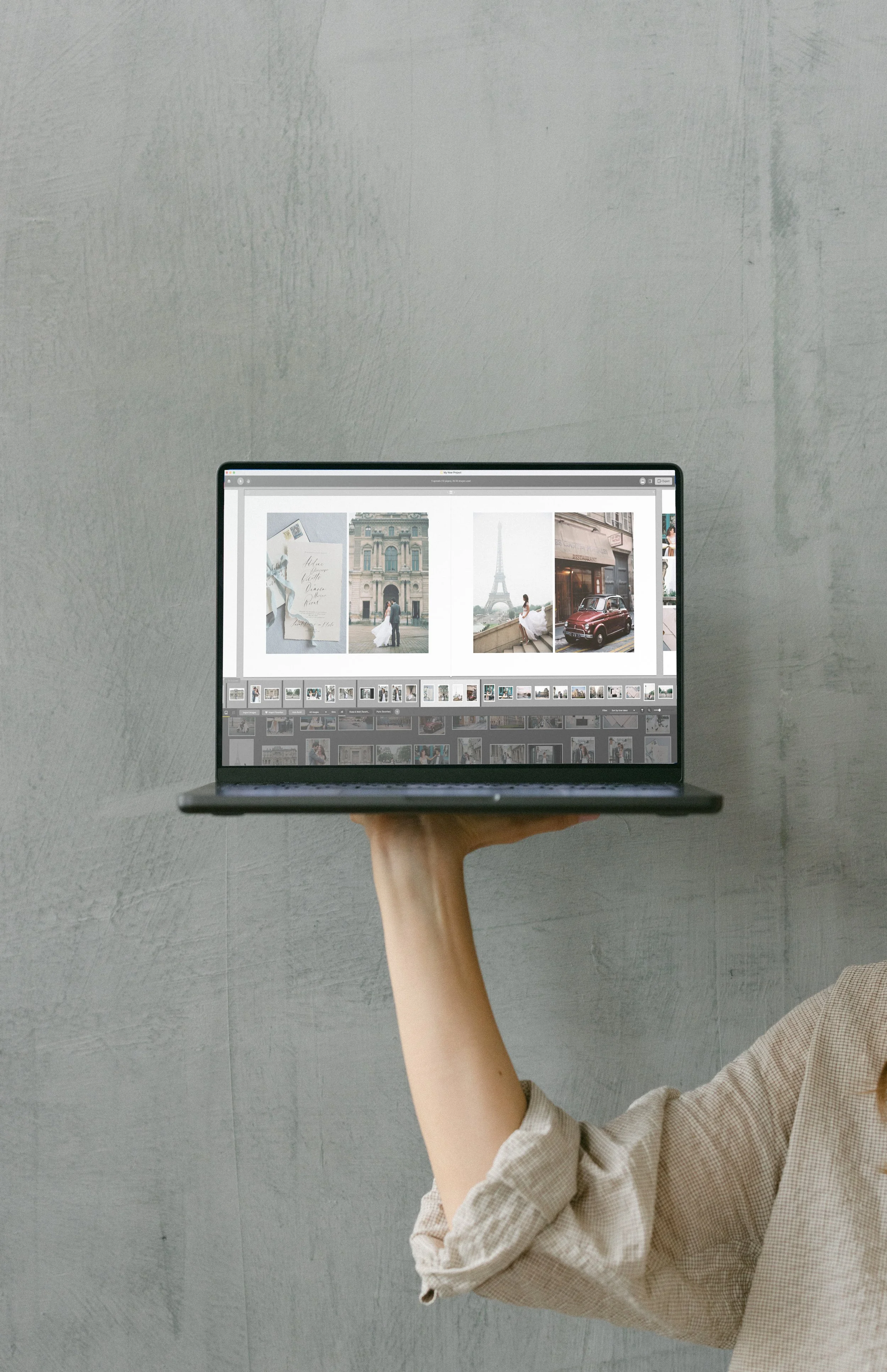
A More Powerful Workflow for Photographers - NO ANNUAL SUBSCRIPTION!
This update makes QT Albums one of the most seamlessly integrated album labs in the industry. With QT Designer and SmartAlbums working together, you can:
Save time
Reduce export errors
Eliminate file formatting issues
Keep your entire workflow in one place
Deliver albums to your clients faster than ever
-
AriaBook
Fuji Lustre, Silk or Deep Matte paper
Classic cover thickness
Regular page thickness
Inches (USD): 12x12”, 10x10”, 8x8”, 8x12”, 6x6”
Centimeters (EUR): 30x30, 25x25, 20x20, 20x30, 15x15
Matte Paper ArtBook
Straight page-edges
Inches (USD): 12x12”, 10x10”, 8x8”, 8x12”, 6x6”
Centimeters (EUR): 30x30, 25x25, 20x20, 20x30, 15x15
Cotton Rag ArtBook
Straight page-edges only (no deckled version)
Inches (USD): 12x12”, 10x10”, 8x8”, 8x12”, 6x6”
Centimeters (EUR): 30x30, 25x25, 20x20, 20x30, 15x15
Heirloom Book
Inches (USD): 12x18”, 12x12” 10x10”, 8x8”, 8x12”
Centimeters (EUR): 30x45, 30x30, 25x25, 20x20, 20x30
PhotoWrap Heirloom Book
Vertical only
Inches (USD): 12x18”, 8x12”
Centimeters (EUR): 30x45, 20x30
-
Embossing
Standard Embossing (plain text)
Premium Embossing (dress it up)
QT Stamps (premade stamps)
in Copper, Gold, Silver, Black or White as compatible with cover material
in Center, Visual Center, Top Center or Bottom Right Corner as size/product allows
End Papers (as normally available with the specific product)
Standard Black
Standard White
Cotton Rag
None
Album Box
Kraft Box
Raw Natural Linen Lid Style Box
Matching Fabric (custom color) Lid Style Box
Matching Fabric (custom color) Clamshell Style Box
Matching Fabric (custom color) Wood + Fabric Box (normal size limits)
WE ARE WORKING TO ADD MORE FEATURES SOON!
-
All cover materials that QT offers with a product are also available when you order through SmartAlbums.


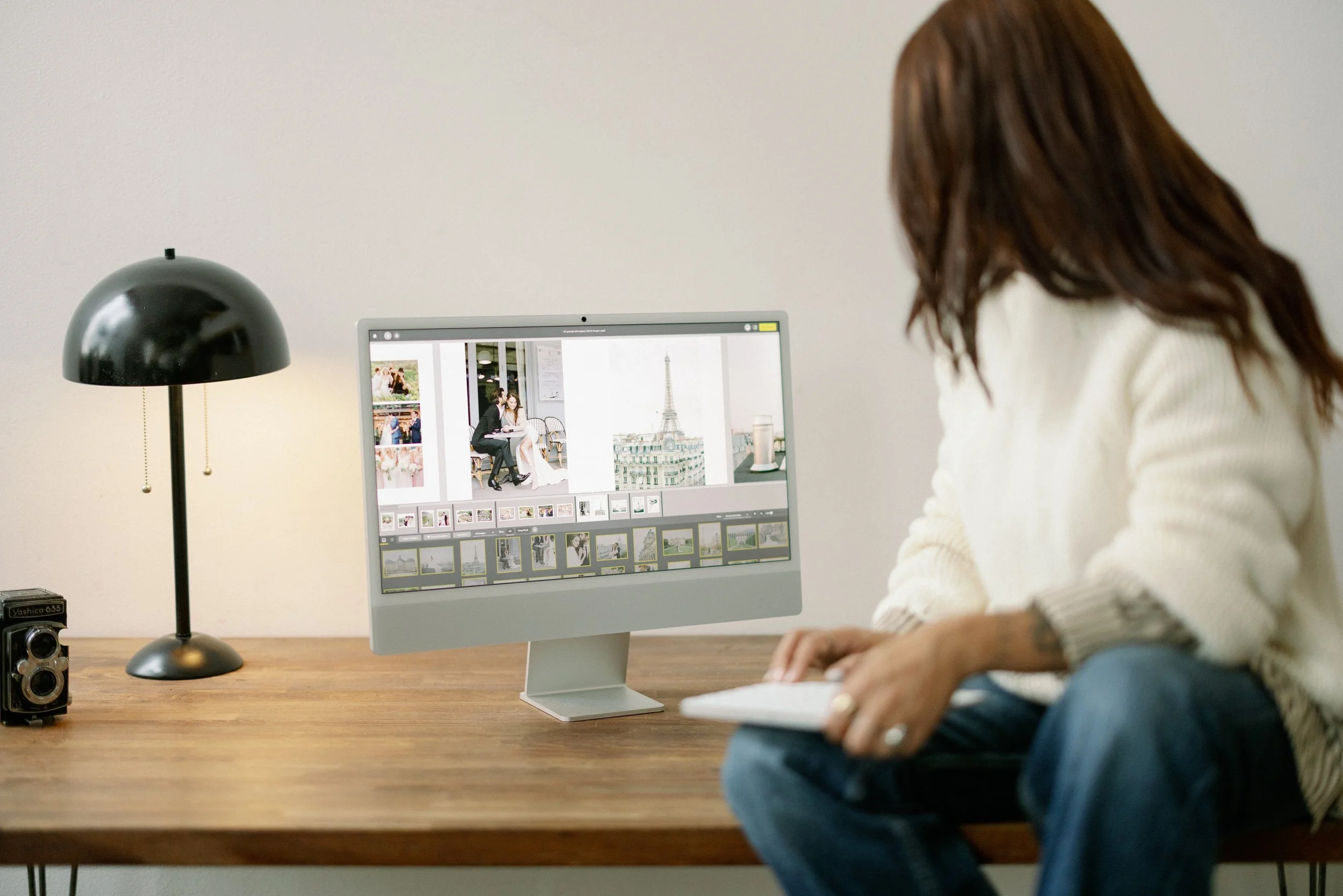
SMART ALBUMS (FULL VERSION)
QT Designer is set up for direct ordering by default.
If you subscribe to the full version of Smart Albums at SmartAlbums.com, you’ll not only be able to order QT Albums directly, but also export spreads to your computer. This gives you full flexibility to upload files to the QT website — or any other lab — and order albums with any options or additional products.