

order qt albums through smartalbums
or through the
New Free QT Designer
Powered by SmartAlbums
(COMING SPRING 2026)
We’re excited to announce a major upgrade to the QT workflow: QT Designer, a self-contained, SmartAlbums-powered design and ordering system, is now available — and completely FREE for all QT customers.
Whether you shop in USD or EUR, you can now design your album and send it straight to production without ever leaving SmartAlbums or the QT Designer. This means faster workflows, fewer files to manage, and a totally streamlined creative experience.
Note: this is an optional workflow and one of many paths that are available to you for designing and ordering an album.
Introducing QT Designer - A Smart, Fast, Free Way to Design
QT Designer is built on SmartAlbums technology, giving you the same intuitive, drag-and-drop design experience trusted by thousands of photographers worldwide.
What QT Designer Offers
Free access for all QT Albums customers (USD + EUR)
Seamless design + ordering of QT’s most popular album sizes and options
Quick workflow within a single environment
Accurate specs for worry-free design
Client-friendly previewing and proofing
The QT Designer does not allow you to export the designs in the way you might with the full paid version of SmartAlbums software; instead, it offers truly one continuous flow:
Design → Approve → Order → Print
-
AriaBook
Fuji Lustre, Silk or Deep Matte paper
Classic cover thickness
Regular page thickness
Inches (USD): 12x12”, 10x10”, 8x8”, 8x12”, 6x6”
Centimeters (EUR): 30x30, 25x25, 20x20, 20x30, 15x15
Matte Paper ArtBook
Straight page-edges
Inches (USD): 12x12”, 10x10”, 8x8”, 8x12”, 6x6”
Centimeters (EUR): 30x30, 25x25, 20x20, 20x30, 15x15
Cotton Rag ArtBook
Straight page-edges only (no deckled version)
Inches (USD): 12x12”, 10x10”, 8x8”, 8x12”, 6x6”
Centimeters (EUR): 30x30, 25x25, 20x20, 20x30, 15x15
Heirloom Book
Inches (USD): 12x18”, 12x12” 10x10”, 8x8”, 8x12”
Centimeters (EUR): 30x45, 30x30, 25x25, 20x20, 20x30
PhotoWrap Heirloom Book
Vertical only
Inches (USD): 12x18”, 8x12”
Centimeters (EUR): 30x45, 20x30
-
Embossing
Standard Embossing (plain text)
Premium Embossing (dress it up)
QT Stamps (premade stamps)
in Copper, Gold, Silver, Black or White as compatible with cover material
in Center, Visual Center, Top Center or Bottom Right Corner as size/product allows
End Papers (as normally available with the specific product)
Standard Black
Standard White
Cotton Rag
None
Album Box
Kraft Box
Raw Natural Linen Lid Style Box
Matching Fabric (custom color) Lid Style Box
Matching Fabric (custom color) Clamshell Style Box
Matching Fabric (custom color) Wood + Fabric Box (normal size limits)
-
All cover materials that QT offers with a product are also available when you order through SmartAlbums.
If you subscribe to the full SmartAlbums software
Your full version gives you TWO ways to order albums:
Design and Export (to your device) - allows you greatest flexibility to come to the QT website and place an order for any album, any options, and any other items.
Design and Order Direct - fastest workflow for simple album orders in some of our most popular options.

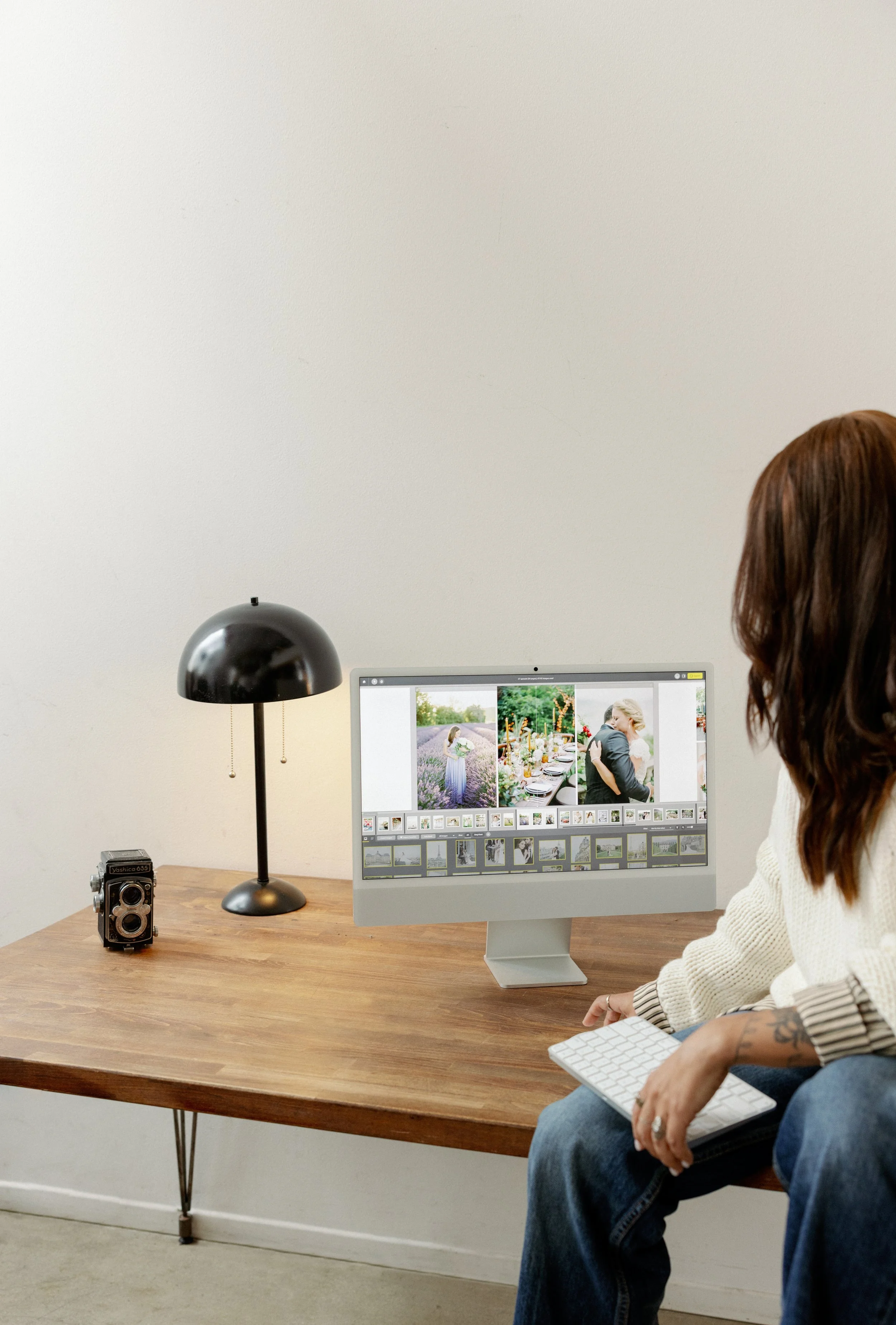



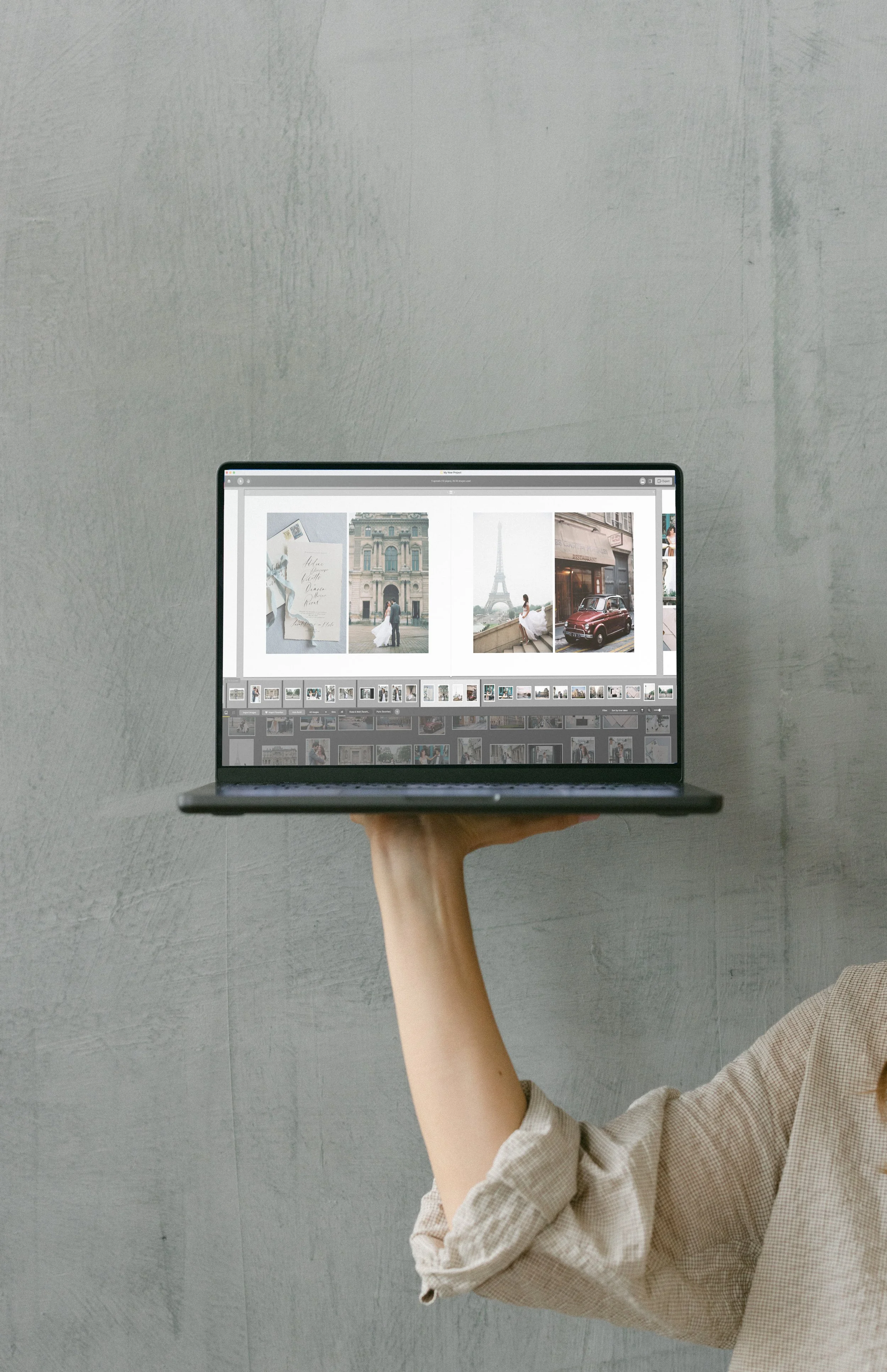
Ordering QT Albums within SmartAlbums
You can order your QT Albums directly from within the SmartAlbums software.
Before You Begin
Make sure you have:
SmartAlbums version 2025.6.0 or later
Your complete album design ready to go
How to Order Your QT Album Through SmartAlbums
These instructions are for the Full Version, NOT the QT Designer powered by SmartAlbums.
1. Export Your Finished Design
Inside SmartAlbums:
Click Export
In the export window, select Order Album
Click Select options
SmartAlbums will automatically:
Upload your finished spreads
Open a browser tab with QT Albums ordering options
2. Choose Your Album Options
In your browser, you’ll see the available QT Albums customization options:
Albums & Options You Can Select
Cover Type – AriaBooks offer Thick or Classic Cover.
Cover Material & Color
Paper Type – including Fuji, Matte or Cotton Paper
Cover Upgrades – embossing, cameo
Embossing Options – color, style, and placement
Extras & Add-Ons – presentation box, extra copies
Rush Production (if needed)
Special Instructions for the lab
The right-hand side of the screen shows your live Order Summary, where you can review your selections before finalizing.

3. Proceed to Checkout
Once you’re satisfied with your customization:
Click Proceed to Checkout
Enter your payment information
Choose your shipping method
Click Pay
4. Receive Your Confirmation
Once payment is complete:
You’ll be taken to the order confirmation page
An email confirmation will be sent to the email associated with your account
Your order number will be displayed
You can print the invoice for your records
Your order is now officially in production!


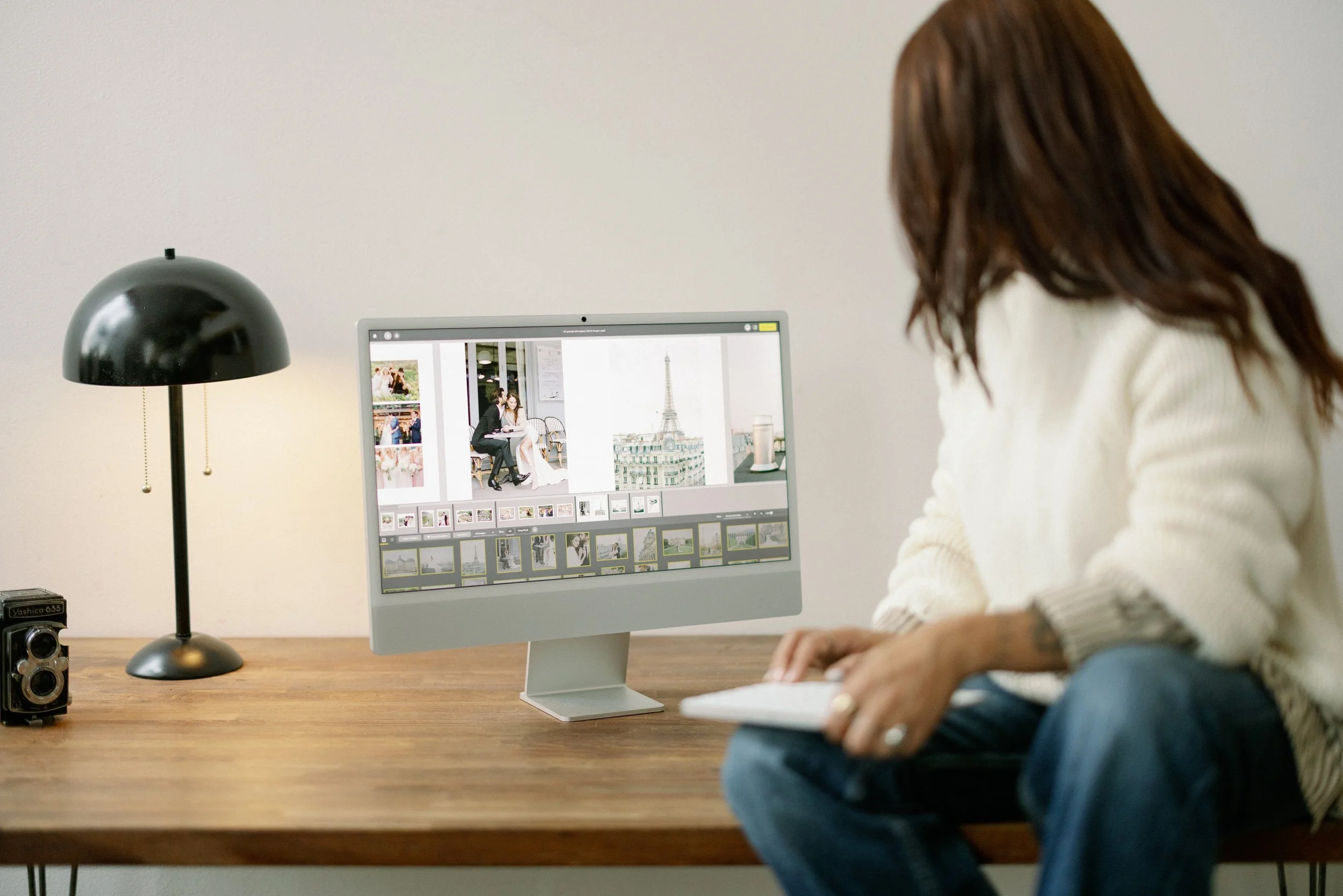
A More Powerful Workflow for QT Photographers
This update makes QT Albums one of the most seamlessly integrated album labs in the industry. With QT Designer and SmartAlbums working together, you can:
Save time
Reduce export errors
Eliminate file formatting issues
Keep your entire workflow in one place
Deliver albums to your clients faster than ever
Start Designing Today
QT Designer is free and ready for use - COMING SOON!
All you need to do is update to the latest version and begin building your album.